Stop Losing Jobs to Slow Quotes: Write Estimates in Minutes with Claude.ai
The first credible quote wins the job. Every day yours sits unsent, a competitor gets theirs in first. Claude.ai turns rough site notes into a professional quotation in under five minutes. This post shows you exactly how.


Series: Claude.ai for Tradespeople | Post 3 of 12
The quote that sits in your drafts folder is losing you money.
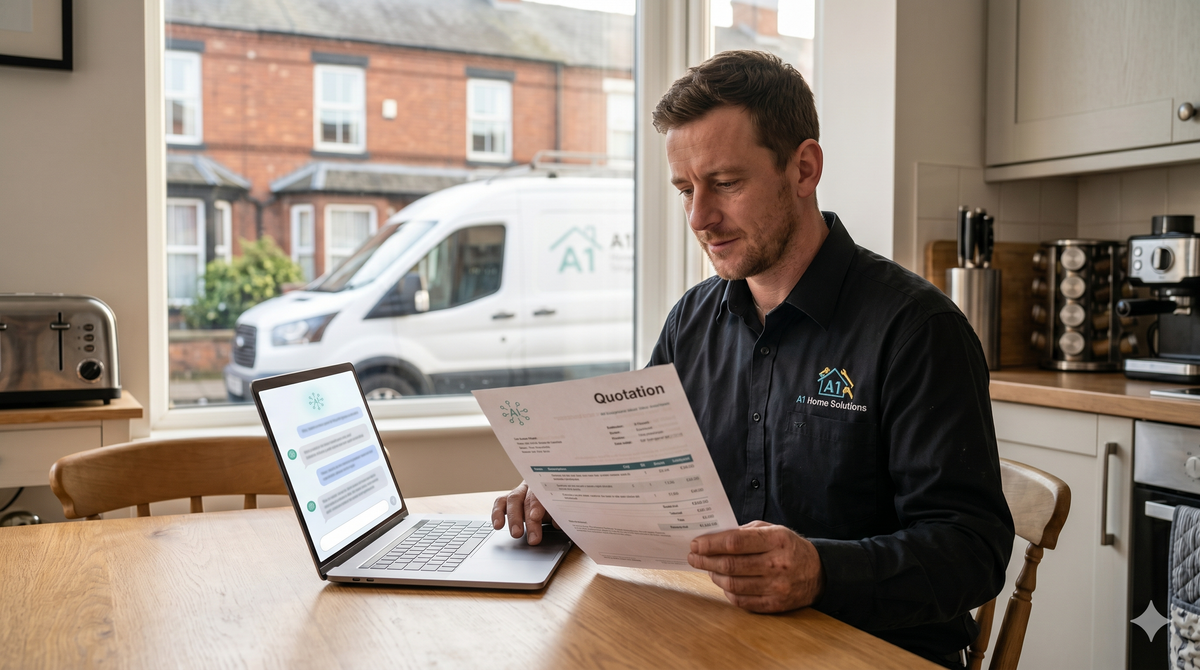
Research consistently shows that the first credible quote a customer receives has a significantly higher chance of winning the job. Every day your quotation sits unsent, you're giving a competitor time to get theirs in first. And yet, for most tradespeople, writing quotes is the task that gets pushed to tomorrow — because it's time-consuming, because the language doesn't come naturally, and because after a long day on site, the last thing you want to do is sit at a laptop.
Claude.ai removes that bottleneck. With the right prompt, you can turn your rough site notes into a professional, complete quotation in under five minutes.
Why Most Trade Quotes Under perform
Before we get to the solution, it's worth understanding what separates a winning quote from one that gets ignored.
Poor quotes tend to share the same problems: they're too vague ("supply and fit bathroom suite - £1,800"), they lack a clear scope of works, they don't list exclusions, and they don't explain what the customer is getting for their money. Customers who receive a poorly structured quote often don't ask for clarification, they just move on to the next tradesperson.
A strong quote does three things. It demonstrates that you understood the job correctly. It gives the customer clarity on exactly what's included (and what isn't). And it presents your business as one that takes its work seriously.
Claude.ai, given the right input, produces exactly that.
The Complete Quoting Prompt
Here is a full prompt template you can copy, adapt, and use on every job. Replace the bracketed sections with your specifics.
"I am a self-employed [TRADE] based in [LOCATION], trading as [BUSINESS NAME]. I've just completed a site survey for a [RESIDENTIAL/COMMERCIAL] customer and I need to produce a professional written quotation.
The job involves:
[Describe each element of the work in plain language — as if you're explaining it to someone. Don't worry about formatting; I'll handle that.]
Materials:
[Note whether you're supplying materials, whether the customer is providing them, or a mix of both. Include any key products or specifications if relevant.]
Timescales:
[Approximate start date and duration of works.]
Pricing:
[Your total price, or a breakdown if you want to show labour and materials separately.]
Please produce a professional quotation that includes:
- A brief introduction
- A clear scope of works with numbered items
- A materials section (if applicable)
- A list of exclusions (work NOT included)
- Timescales and validity period for the quote (28 days)
- Payment terms (e.g., 50% deposit, balance on completion)
- A professional closing line
Use formal but plain English. The customer is a homeowner [or: a small business owner]. Keep the tone professional and confident."
A Real-World Example
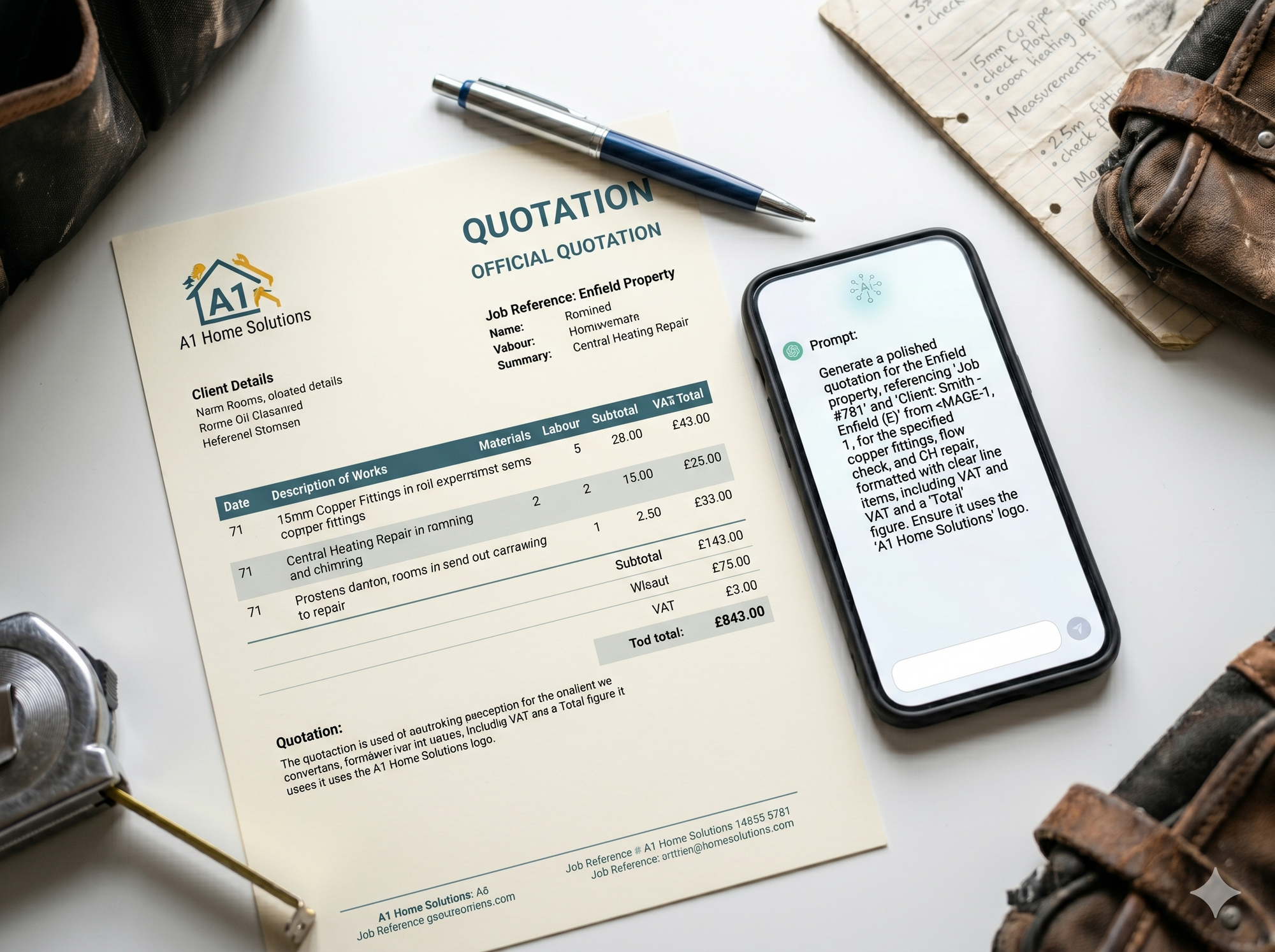
Here's what that looks like in practice for a plastering job.
Input (what you type):
Prompt: "I'm a plasterer based in Nottingham, trading as Harrison Plastering. Job is a 4-bed detached house, re-plaster all ceilings on ground floor (3 rooms: kitchen, living room, dining room) and re-plaster two feature walls. Customer is supplying nothing, I'm supplying all materials. Approximately 5 days of work. Pricing at £3,200 all in including materials. Start date can be in about 2 weeks. Payment: 30% upfront to cover materials, rest on completion. Write me a formal quote."
Output (what Claude.ai produces):
Within seconds, you'll have a structured document with a headed scope of works, numbered line items for each room, a materials note, a list of clear exclusions (redecoration, furniture moving, etc.), your payment terms, and a professional sign-off.
You then paste it into your email or quote software, add your letterhead or logo if you have one, and send it.
Five minutes. Job done.
Adding Your Exclusions Intelligently
One thing most tradespeople underestimate is the value of a detailed exclusions list. It protects you legally and sets expectations clearly.
When using Claude.ai to write your quote, prompt it specifically:
Prompt: "Also include a thorough list of exclusions typical for this type of job, anything that a customer might assume is included but that I would charge separately for."
Claude.ai will generate a relevant exclusions list based on the job type. For a plastering job, that might include: redecoration, making good of any underlying damp or structural issues, furniture removal, or scaffolding. Review it, adjust for your specific situation, and include it.
Building a Quote Template You Reuse
Once you've run a few quotes through Claude.ai and you're happy with the output format, ask it to create you a reusable template:
Prompt: "Based on the quotation you just produced, create me a blank template for [TRADE] jobs that I can fill in for future quotes. Use placeholders for the variable elements."
Save that template. You now have a professional quoting framework that took you 15 minutes to build and will serve you for years.
The Velocity Point
Speed matters. A quote sent within 24 hours of a site visit converts significantly better than one sent after a week. With Claude.ai reducing your drafting time from 45 minutes to 5, there's no longer a reason to delay.
Send the quote the same day. Follow up three days later (we'll cover how to write that follow-up in Post 4). Win more jobs.