HMRC Won't Wait: How Tradespeople Use Claude.ai to Stay on Top of Tax Admin
The receipts in the glove box. The January scramble. Claude.ai will not file your return, but it cuts the friction that makes tax season feel like a crisis. This post covers records, invoices, expense categorisation and accountant prep.


Series: Claude.ai for Tradespeople | Post 8 of 12
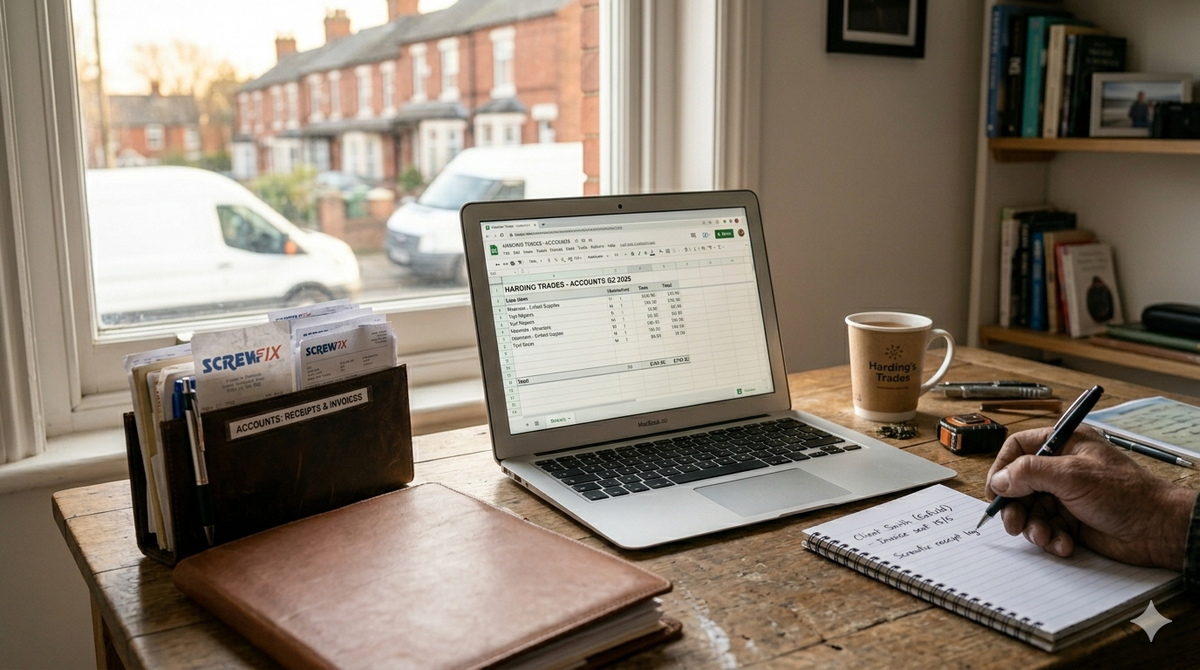
Tax admin is the least glamorous part of running a trade business and, for many, the most stressful. The pile of receipts in the glove box. The invoices sent without proper records. The January self-assessment scramble where you're trying to reconstruct six months of income from bank statements at midnight.
Claude.ai won't file your return for you. That's your accountant's job, or your own via the HMRC portal. But it can dramatically reduce the administrative friction that makes tax season feel like a crisis by helping you keep better records throughout the year, produce professional invoices, categorise expenses clearly, and prepare the information your accountant needs in a fraction of the time.
This post is UK-specific and structured around the real admin challenges sole trader tradespeople face.
Important: Claude.ai Is a Tool, Not an Adviser
Claude.ai is not a tax adviser and neither is this blog post. For specific advice on your tax situation VAT registration thresholds, CIS deductions, allowable expenses for your trade speak to a qualified accountant. What Claude.ai does brilliantly is help you manage the documentation, language, and organisation around your finances. Not the decisions.
Use 1: Professional Invoice Templates
Prompt: "Create a professional invoice template for a sole trader tradesperson. My business name is [NAME], trading as [TRADING NAME]. My address is [ADDRESS]. My phone number is [PHONE]. My email is [EMAIL]. My UTR number is [UTR]. I am [VAT registered / not VAT registered].
The template should include:
- Invoice number field
- Invoice date and payment due date (14 days from invoice)
- Client name and address fields
- Itemised table for works carried out (description, quantity, unit price, total)
- [If VAT registered: subtotal, VAT at 20%, total including VAT]
- Bank payment details (sort code and account number fields)
- A polite payment terms note
Format it clearly. I'll transfer this into a Word document or Google Doc."
Use 2: Expense Categorisation Notes
Prompt: "I am a self-employed [TRADE] completing a UK self-assessment tax return. I need help categorising the following expenses correctly. For each one, tell me which HMRC self-assessment category it likely falls under and any relevant notes.
[LIST YOUR PURCHASES — e.g.:
- £340 — new tile cutter from Screwfix
- £85 — work boots
- £220 — van service and MOT
- £45 — accountant's phone call
- £60 — subscriptions to Checkatrade]"
Claude.ai will suggest the appropriate categories. Cross-check with your accountant, but this gives you a solid starting point.
Use 3: CIS Subcontractor Statements
Prompt: "I am a CIS-registered subcontractor [TRADE]. I need to write a short covering letter to accompany my monthly CIS payment and deduction statement for [CONTRACTOR NAME]. The gross payment for [MONTH] was [AMOUNT], and the CIS deduction at [20% / 30%] was [AMOUNT]. Write me a professional one-paragraph covering note confirming these figures and requesting that they issue my statement promptly."
Use 4: Preparing Your Records for Your Accountant
Prompt: "I am a sole trader [TRADE] preparing for my annual self-assessment. I need to produce a clear summary of my business income and expenses for the tax year [YEAR]. Here is my information:
Income: [LIST YOUR INVOICES OR TOTAL INCOME FIGURE]
Expenses: [LIST YOUR MAIN EXPENSE CATEGORIES AND TOTALS]
Please organise this into a clear, logical summary document formatted for handover to my accountant. Include a section for any notes or queries I need to raise with them. Highlight any gaps where I'm missing information."
Use 5: Writing a Late Payment Letter for Unpaid Invoices
Prompt: "I am a sole trader [TRADE]. A business client owes me [AMOUNT] on invoice [REFERENCE], which has been outstanding since [DATE]. I want to issue a formal letter before action under the Late Payment of Commercial Debts (Interest) Act 1998, claiming the statutory interest at 8% above base rate and the fixed compensation fee of £[40/70/100 depending on invoice size].
Write me a professional, formal letter that:
- States the original invoice amount and due date
- Calculates the statutory interest owed (approximately)
- Claims the compensation fee
- Gives them 14 days to pay before I refer the matter to a debt recovery service
- Maintains a professional, factual tone throughout
My business details: [NAME, ADDRESS, CONTACT DETAILS]."
Making Tax Digital — What Tradespeople Need to Know Now
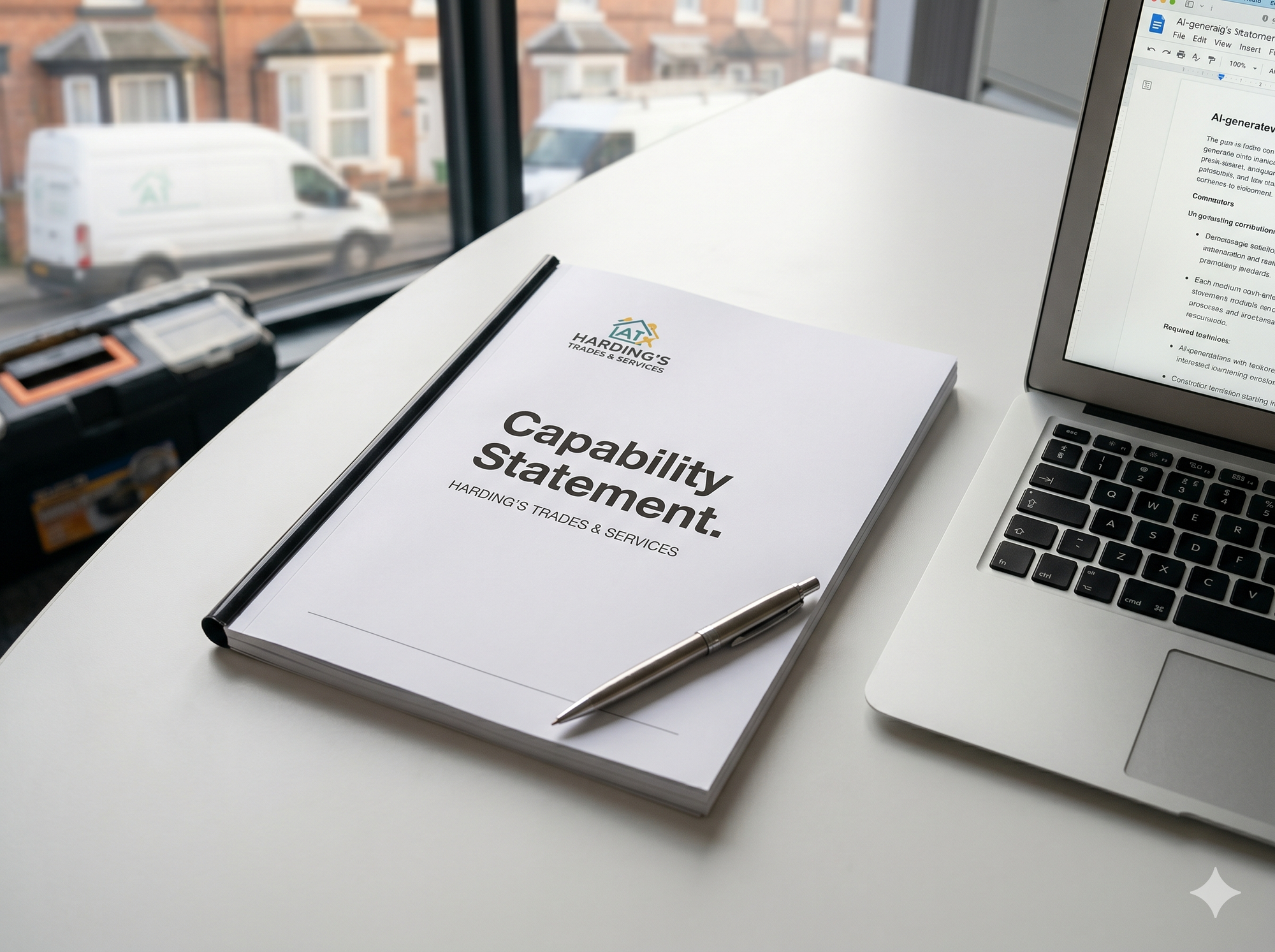
HMRC's Making Tax Digital for Income Tax (MTD for ITSA) is being rolled out progressively and will require sole traders earning above the relevant threshold to keep digital records and submit quarterly updates. The specific timeline and thresholds have shifted check with HMRC or your accountant for the current position.
What Claude.ai can do is help you write clear notes summarising what you've read about MTD, prepare questions for your accountant, and draft a simple digital record-keeping structure that keeps you ahead of the requirement rather than scrambling to comply at the last minute.
The tradespeople who set up clean digital admin habits now will sail through MTD. Those who don't will face a much steeper adjustment.