5-Star Reviews Without the Awkward Ask: A Tradesperson's Guide to Claude.ai Review Strategy
Most happy customers would leave a review if you made it easy enough. They just do not think of it. This post shows you how to build a review system using Claude.ai that runs consistently without the awkward in-person ask.



Series: Claude.ai for Tradespeople | Post 6 of 12
The job is finished. The customer is happy. You pack up your van and drive away and then the moment passes. You didn't ask for a review. Again.
It's not laziness. It's that asking for a review in person feels awkward. Like you're fishing for a compliment. Like you're needing something from the customer at the exact moment the professional relationship should be wrapping up neatly.
Here's the reality: most happy customers would leave you a review if you made it easy enough. They just don't think of it unless you prompt them. And those reviews on Google, Checkatrade, Rated People, or Trustpilot are your most powerful marketing tool. A trade business with 40 genuine 5-star reviews wins more jobs than one with 4 reviews and a flashier website every single time.
Claude.ai helps you build a review system that runs consistently, without the awkwardness, and without taking up your time.
The Three-Part Review System
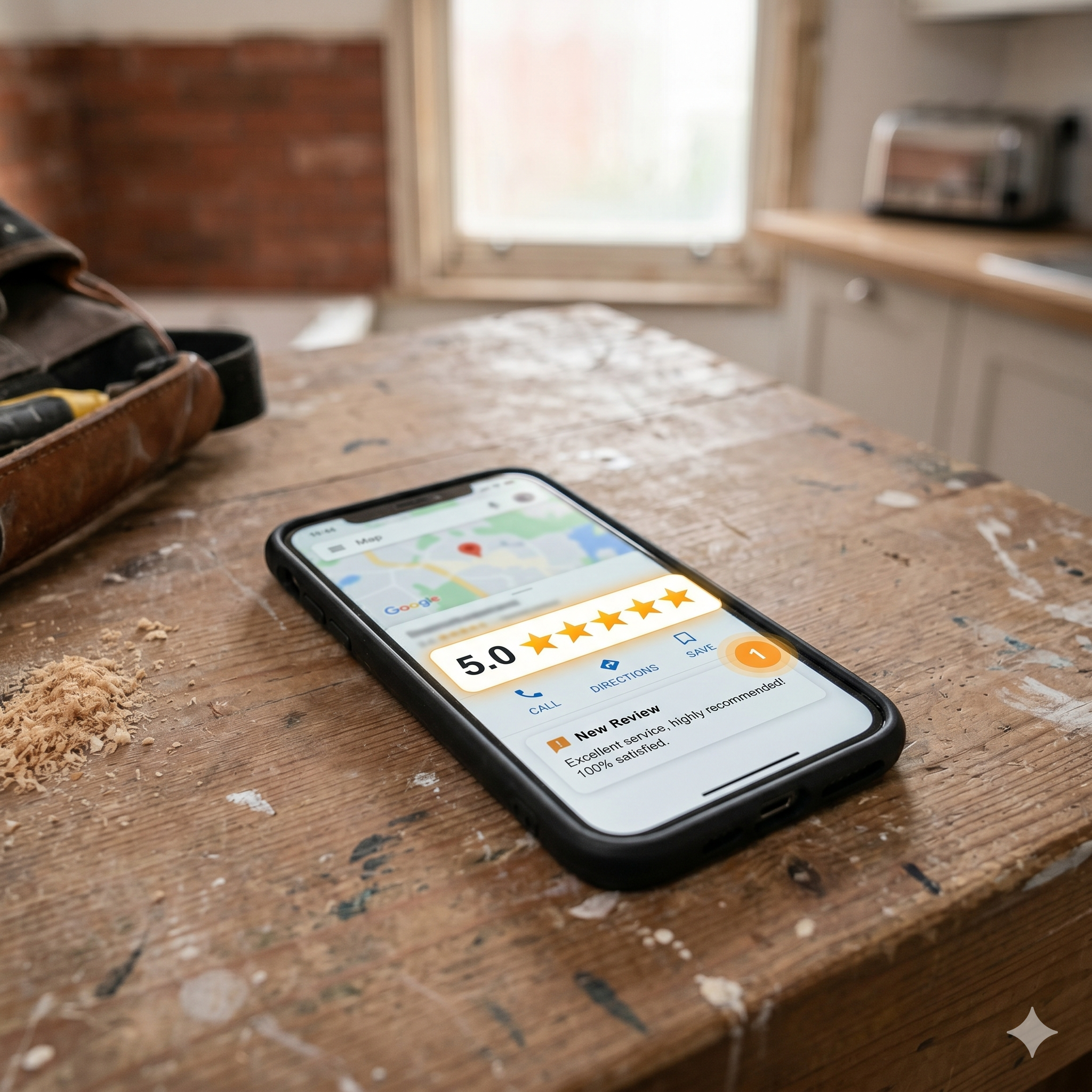
An effective review strategy for a trade business has three components: the ask, the response, and the follow-up. Most tradespeople skip all three. Let's build each one with Claude.ai.
Part 1: The Ask — Timing and Channel
The best time to ask for a review is 24–48 hours after job completion, not in the moment. In person, you're still in professional mode. A message the next day when the customer has had time to appreciate the clean site, the working boiler, the freshly plastered wall lands better.
Text or WhatsApp message converts better than email for most domestic customers. Keep it short.
Prompt: "I've just completed a [JOB TYPE] for a residential customer. The job went well and they seemed very happy. I want to send them a WhatsApp message tomorrow morning asking for a Google review. Keep it short two or three sentences maximum. Make it personal, not generic. My name is [NAME] and my business is [BUSINESS NAME]. My Google review link is [PASTE LINK HERE]. Don't use the word 'hopefully.'"
Getting your Google review link: Go to your Google Business Profile, click "Get more reviews," and copy the short link. It takes customers directly to the review box without any searching.
Part 2: The Checkatrade / Rated People Version
Prompt: "I need a short message to send to a customer via WhatsApp asking them to leave me a review on Checkatrade. The job was a [JOB TYPE]. Keep it friendly and brief three sentences at most. My name is [NAME], business is [BUSINESS NAME]. My Checkatrade profile link is [LINK]."
Part 3: Responding to Positive Reviews
Every positive review deserves a response. It shows professionalism, signals that you're an engaged business owner, and critically improves your visibility in Google's local ranking algorithm. Most tradespeople ignore this.
Prompt: "A customer has left me the following Google review: [PASTE REVIEW]. I am a [TRADE] based in [LOCATION]. Write me a professional, warm response that thanks them specifically (referencing the job or detail they mentioned), notes that I'm glad they're happy, and closes with an invitation to get in touch for future work or to recommend me to friends and family. Keep it to 3–4 sentences. Don't be sycophantic."
Run each review through this prompt individually. Each response will feel tailored because you're feeding it the specific review content. Takes 30 seconds per review.
Part 4: Responding to Negative Reviews
This is where the real value is. A poorly handled negative review does more damage than the review itself. A well-handled one that shows you took it seriously and responded professionally can actually build trust with prospective customers reading your profile.
Never respond to a negative review when you're angry. Give it 24 hours. Then use Claude.ai.
Prompt: "I've received this negative review on Google: [PASTE REVIEW]. Here is my perspective on what happened: [EXPLAIN YOUR VIEW factually and without emotion]. Write me a professional, measured public response that: acknowledges their experience, explains the situation calmly where appropriate, notes any resolution offered or next steps, and invites them to contact me directly to discuss further. Do not be defensive or dismissive. The response should demonstrate to anyone reading it that I am a reasonable, professional business owner. Keep it to 4–5 sentences."
Read the output. Adjust it if anything feels off. Post it.
Building a Review Cadence
The tradespeople who build strong review profiles don't do it through luck, they do it through consistency. The target is simple: for every completed job where the customer expressed satisfaction, send the review request message within 48 hours.
If you're doing five jobs a week and converting 30% of satisfied customers into reviews, that's 1–2 new reviews per week. Within six months, you have a profile that puts you in the top tier of your local market.
Claude.ai doesn't do this automatically, you still need to send the messages. But it removes the friction of writing them, which means you'll actually do it.
One More Use: The Review in Your Quote
Consider including a brief line in your quotation template (built back in Post 3) that references your reviews:
"You can read what our customers say about us at [LINK]."
Claude.ai can help you write that line. But the line only does its job if there are reviews to back it up. Build the review system first.